
 Ai-Agents-Workflows
Spec-Density Scorecard and 12 Agent Spec Templates
agent spec templates scored by the WOWHOW Spec-Density rubric — 12 ready-to-fill templates across task types, eliminate agent drift on first run.
₹2,465
Pre-configured MCP integrations for Claude Code: Gmail, Notion, GitHub, Slack, PostgreSQL, Calendar, Drive, Airtable, Discord, Twitter.
Claude₹1,615
one-time payment
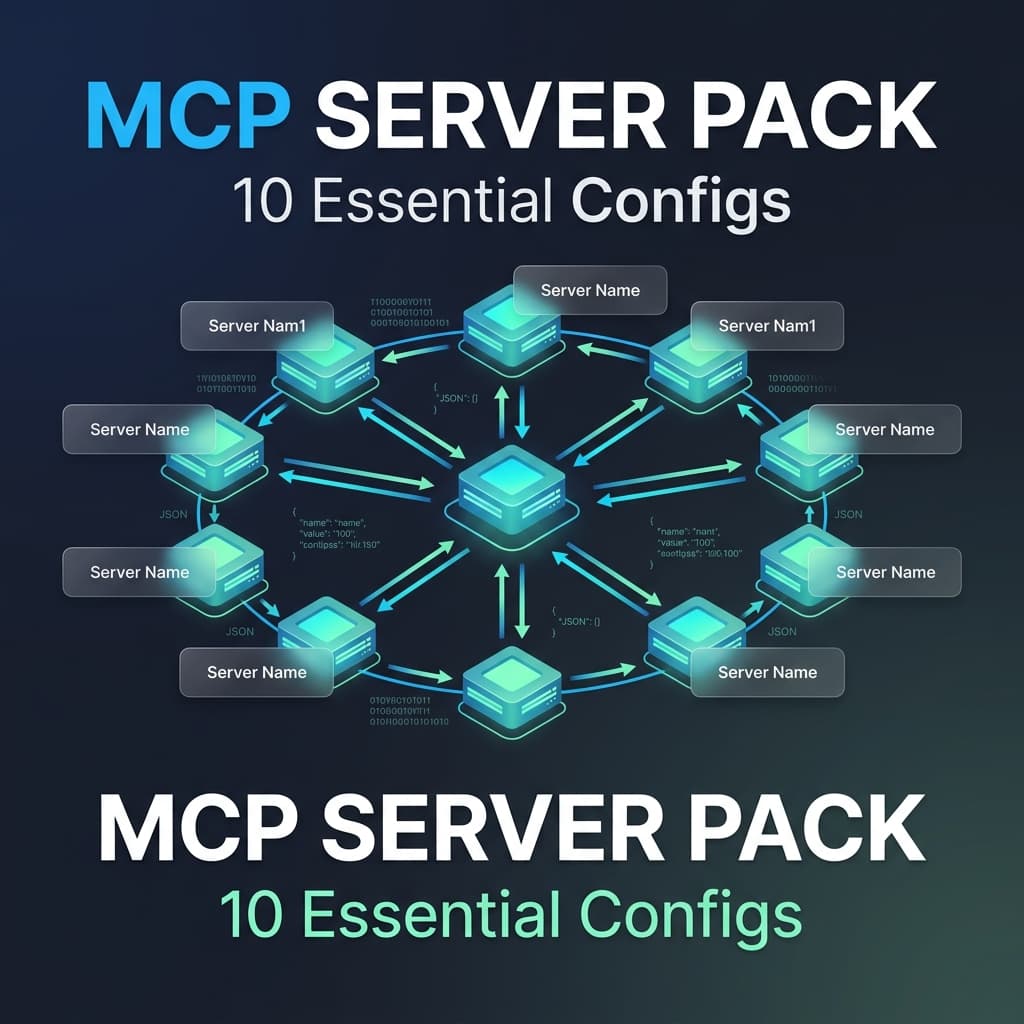
Pre-configured MCP integrations for Claude Code: Gmail, Notion, GitHub, Slack, PostgreSQL, Calendar, Drive, Airtable, Discord, Twitter.
Connect Claude Code to 10 essential services in under 5 minutes. This MCP server pack provides pre-configured integrations for the most-used business tools: Gmail, Google Calendar, Notion, Slack, GitHub, PostgreSQL, Google Drive, Airtable, Discord, and Twitter/X. Each service includes authentication setup guides, security hardening documentation, and test prompts to verify functionality immediately. Deploy once, use forever across your AI workflows.
Get instant access to 10 integrations instead of weeks of setup. Browse all MCP server integrations or explore Claude Code tools and utilities.
Included Files
No reviews yet
Be the first to share your experience with this product
one-time payment, yours forever
Or unlock this + every product — Pro Vault from ₹1,615/mo
Category
Claude Code