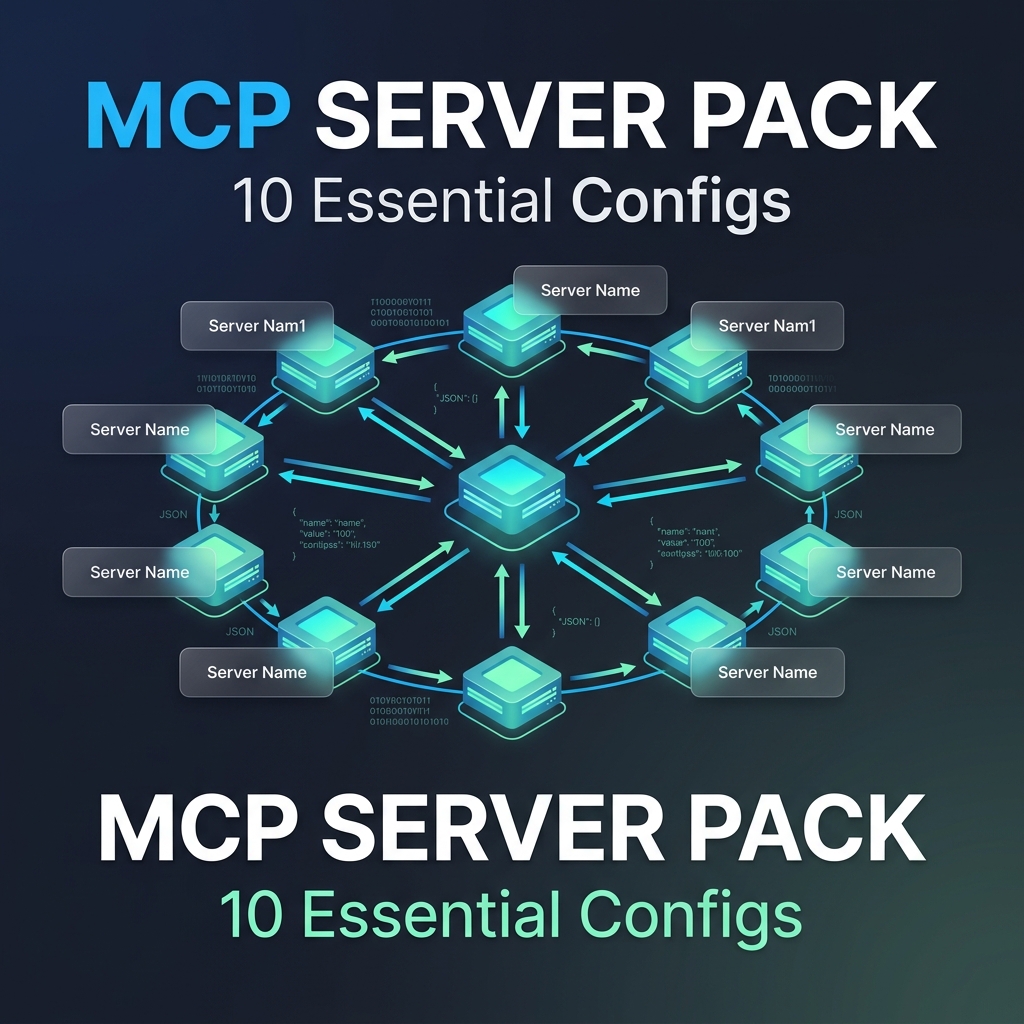
MCP Server Starter Kit TypeScript: 5 Tools, Tests and Docker
MCP server starter kit in TypeScript: 5 tools with zod schemas, 33 tests, stdio transport, Docker and config for Claude Code and Desktop. Tested on SDK 1.32.
₹1,190
Launch fully working MCP servers in under an hour—no guesswork, no wasted time. If you’ve tried setting up MCP servers for Conductor AI workflows, you kn…
₹1,615
one-time payment
Launch fully working MCP servers in under an hour—no guesswork, no wasted time. If you’ve tried setting up MCP servers for Conductor AI workflows, you kn…
**Launch fully working MCP servers in under an hour—no guesswork, no wasted time.**
If you’ve tried setting up MCP servers for Conductor AI workflows, you know how quickly hours slip away wrestling with configurations and flaky integrations. You need to move fast, but unreliable setups and endless debugging slow your team down and threaten project deadlines.
The MCP Server Starter Pack gives you a production-ready, tested MCP server environment tailored for Conductor AI workflows. It cuts your initial setup by 4–6 hours and reduces integration debugging by up to 40%. With secure defaults and built-in observability, it’s designed to get your team deploying a stable, scalable server stack in under 30 minutes—so you can focus on building AI, not fixing infrastructure.
**What’s Included:**
- `mcp-server-config.yaml` — Preconfigured MCP server settings optimized for Conductor AI
- `integration-setup.sh` — Automated script to install and link key integrations without manual errors
- `security-policies.json` — Production-grade security defaults to protect your data and access
- `observability-dashboard.json` — Ready-to-use monitoring setup to track server health and performance
- `README.md` — Step-by-step instructions to launch and verify your MCP server in under an hour
**Who This Is For:**
- AI teams needing reliable MCP servers for fast-moving Conductor workflows
- Backend engineers tasked with deploying and maintaining MCP infrastructure
- Product teams aiming to reduce setup time and avoid integration headaches
**Who This Is NOT For:**
- Developers building custom MCP servers from scratch with unique configurations
- Teams not using Conductor AI or MCP as part of their workflow stack
**Guarantee:**
If this doesn’t save you at least 4 hours on initial MCP server setup, I’ll refund your $49—no questions asked.
Included Files
No reviews yet
Be the first to share your experience with this product
one-time payment, yours forever
Or unlock this + every product — Pro Vault from ₹1,615/mo
Category
MCP Servers